

Unsolved
2 Posts
0
371
May 26th, 2023 06:00
My Dell XPS 8930 is not getting automatic update notification for Windows 11 Pro - yet!!!
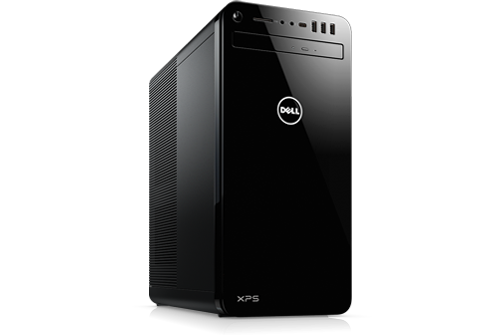
XPS 8930
I have my XPS 8930 - with Windows 10 Pro. About 6 months back, I had a notification to get updated to Windows 11 PRO. I declined that at that time and kept my Windows 10.
Now... I would like to update to Windows 11 - and I am not getting any notification even with checking for updates serveral times! What do I do to get automatic notification and update to Windows 11.
No Events found!
JOcean
11 Legend
•
12.6K Posts
•
69.5K Points
0
May 26th, 2023 10:00
You can update to Windows 11 by one of these methods. Go to the Windows 11 download page here. You can either click on the Installation Assistant (which is the same as the auto update) or click on the media creation tool which will create a self booting Windows 11 USB flash drive. With that you can either clean install or update install Windows 11.
prsenthilnathan
2 Posts
0
June 1st, 2023 05:00
Thank you for your help!! I will wait for the Windows update to automatically update to Windows 11 in the coming months!!! I am afraid to download and install this manually!! Hope the automatic update will be offered soon by Windows Check for Updates!!
monikatak
1 Rookie
•
30 Posts
0
June 12th, 2023 00:00
To ensure automatic notification and update to Windows 11, manually check for updates in the Windows Update settings, verify that your device meets the system requirements for Windows 11, and enable "Receive updates for other Microsoft products" option.