

Unsolved
1 Rookie
•
1 Message
4
826
July 4th, 2023 08:00
Dell Vostro 5581 will not boot after upgrading to Windows 11
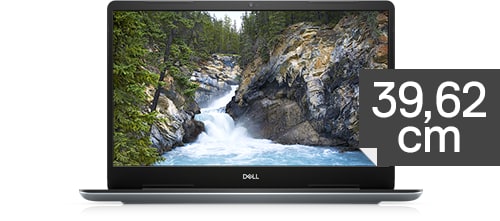
Vostro 5581
I recently upgraded my Dell Vostro 5581 to Windows 11. However, I am now facing an issue where it gets stuck on a black screen with the cursor unless the "Intel(R) Integrated Sensor Solution" is disabled in the Device Manager.
I am aware that Dell <ADMIN NOTE: Broken link has been removed from this post by Dell>.
, and issued a BIOS update to fix the issue. However, I have a newer BIOS version installed (2.18.0) and the issue still persists.
Dell's live chat did not help me to look into fixing this issue, instead just asking me to pay for the Dell Software Support Service as my device is out of warranty.
I would appreciate some help with this as I can't find any way to downgrade the bios back to the version that Dell says fixes the issue or otherwise fix this issue besides disabling the device in the device manager.