

Unsolved
1 Message
0
284
September 8th, 2022 15:00
BIOS update 1.20 broke my Vostro 5490, can't revert
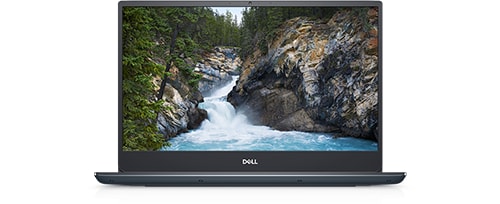
Vostro 5490
I updated the BIOS on my Vostro 5490 to 1.20 today and now it won't boot to Windows. I tried the BIOS recovery process, and then I tried reinstalling 1.19 by downloading it to a USB drive on another computer and following the instructions in article 000132453, but that didn't help.
Every time I restart I get the blue "Automatic Repair" screen saying "Your PC did not start correctly" and giving me the choice of "Restart" or "Advanced Options". If I choose "Advanced Options" and then choose "Continue (Exit and continue to Windows 10)", the laptop restarts and I'm right back on the "Automatic Repair" screen.
Any suggestions? Thanks in advance.
No Events found!