

Unsolved
5 Journeyman
•
15.6K Posts
•
45K Points
0
36
May 19th, 2026 13:23
Updates 5/19/26 - Firefox 151
Firefox Version 151.0, first offered to Release channel users on May 19, 2026
New
-
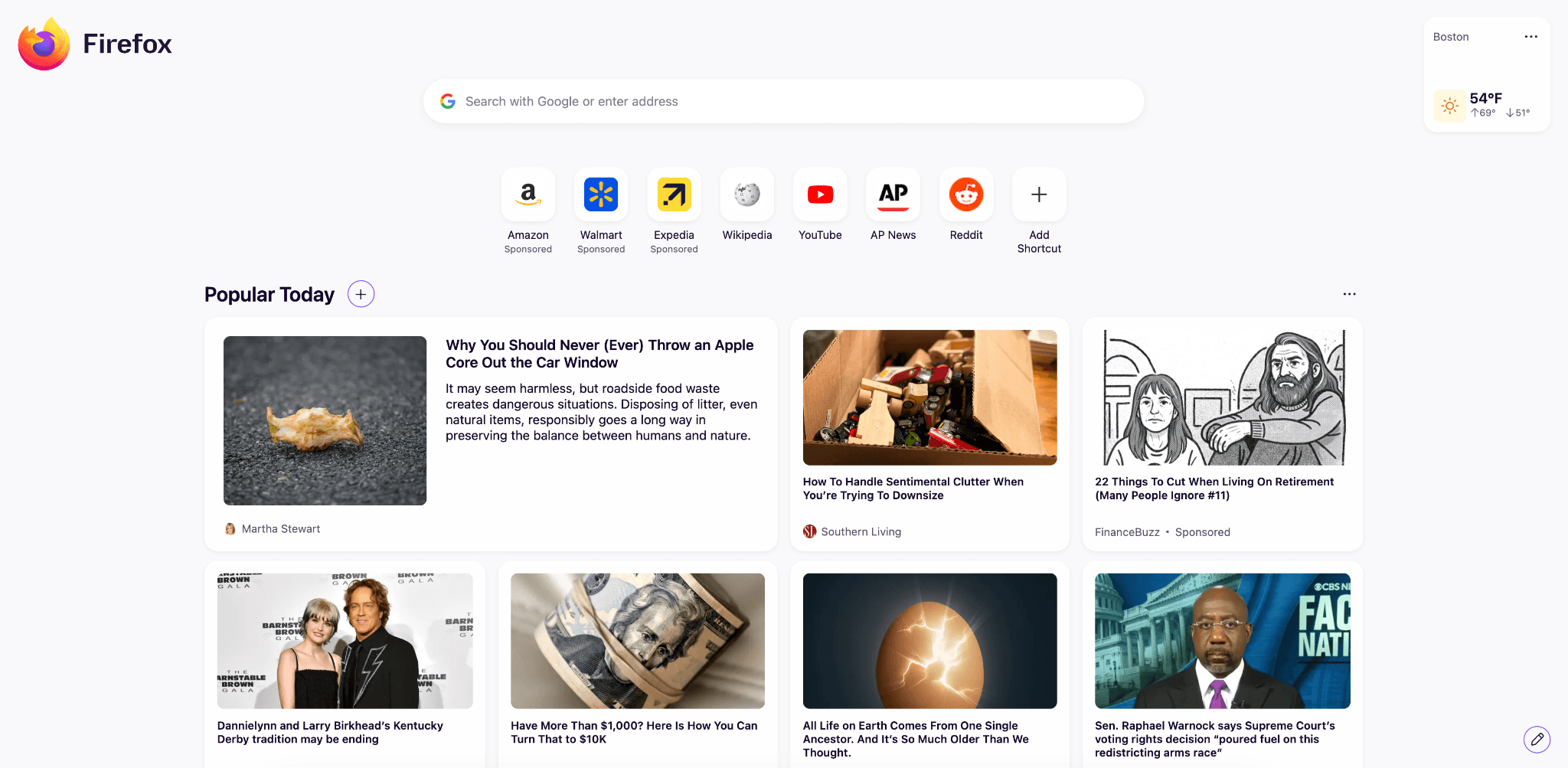
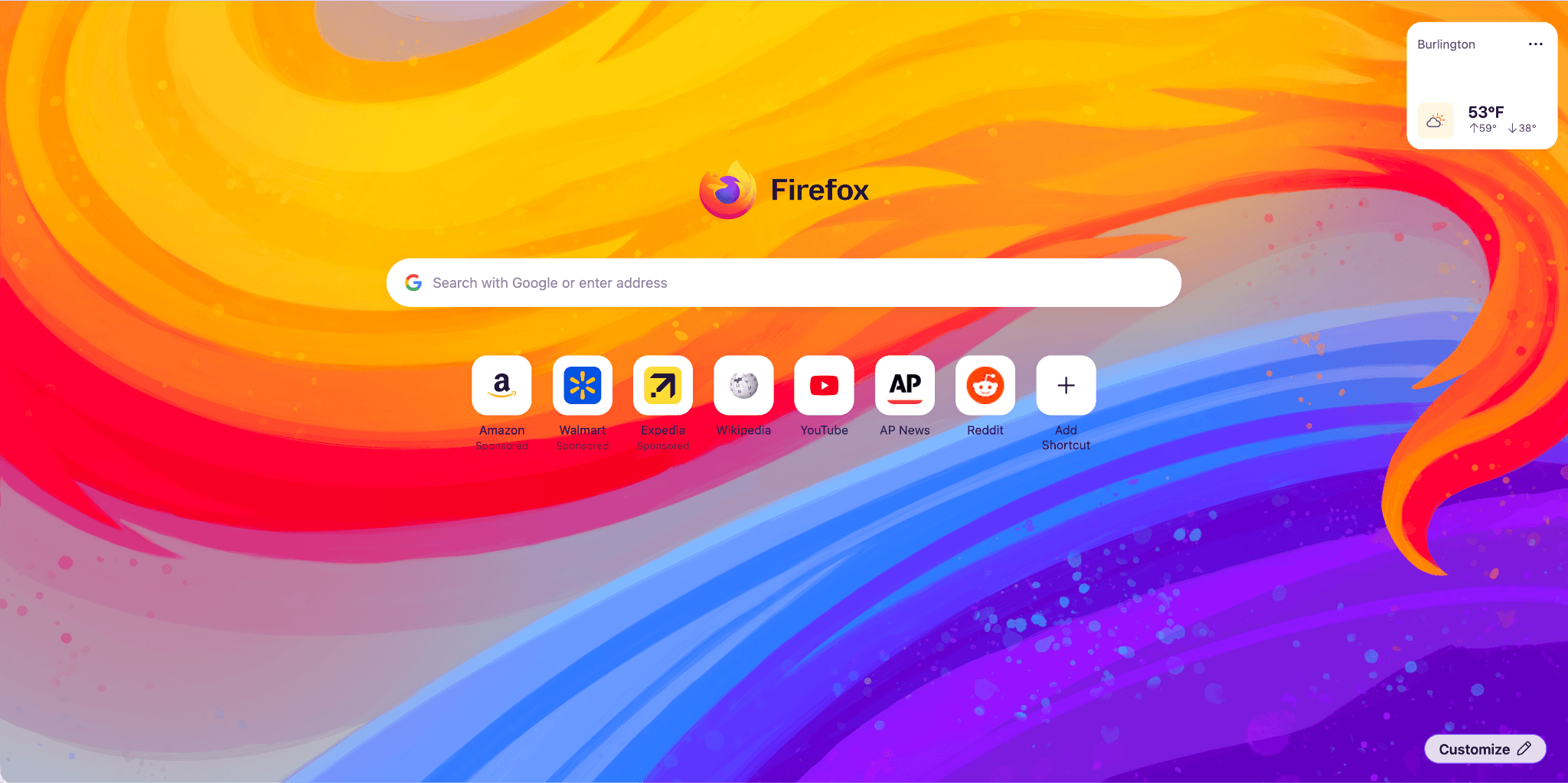
Firefox Home (New Tab) has a fresh, new look and feel. The layout and design will enable upcoming features, from widgets to shortcuts improvements, launching between 151 and 152. Included are some new and exciting Wallpapers, such as the one below. Use the pencil icon in the lower right to check them out.
-
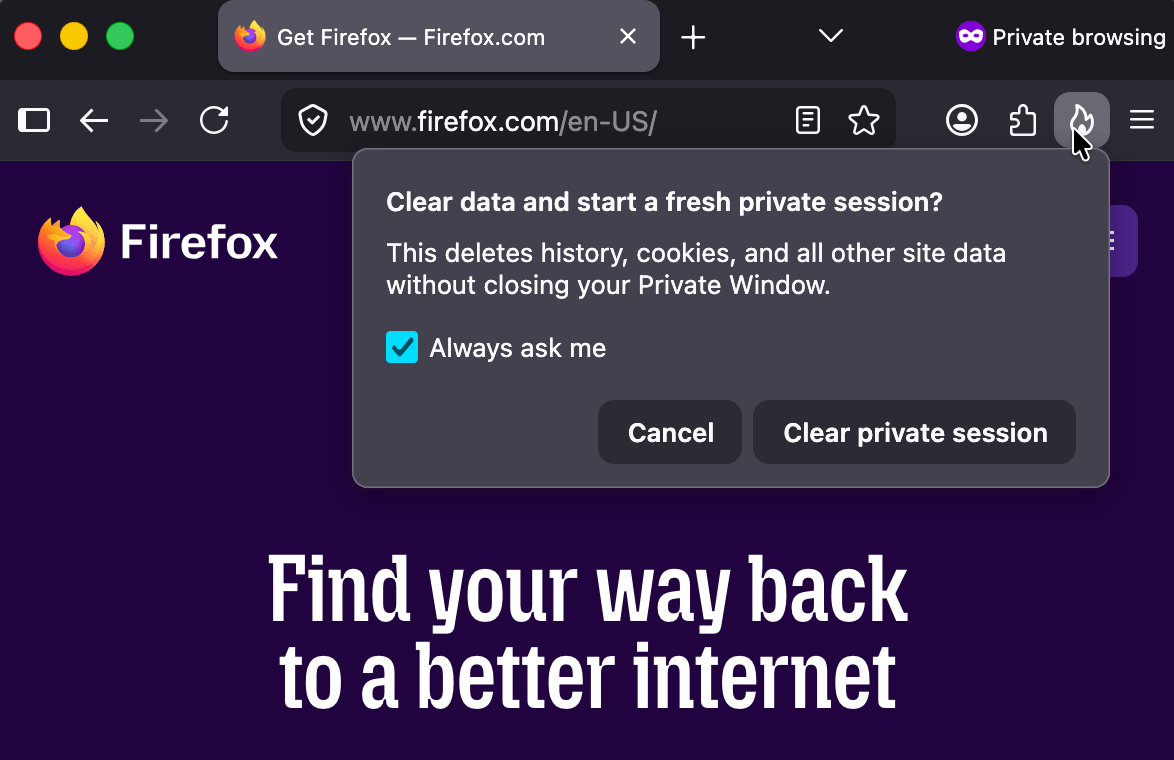
Private Browsing Mode now allows you to instantly clear all data from your current session without closing the entire window. When you select the End Private Session button (the fire icon) to the right of the URL bar, Firefox will ask you to confirm to clear your session. Once confirmed, it will wipe all of your private browsing data and open a fresh new Private Browsing Mode session for you.
-
Firefox now strengthens protection against fingerprinting in Standard Enhanced Tracking Protection, making it harder for websites to track you across sites by limiting the amount of information revealed about your device and browser. This reduces the number of users uniquely identifiable by common fingerprinting techniques by an average of ~14%, and by ~49% on macOS.
-
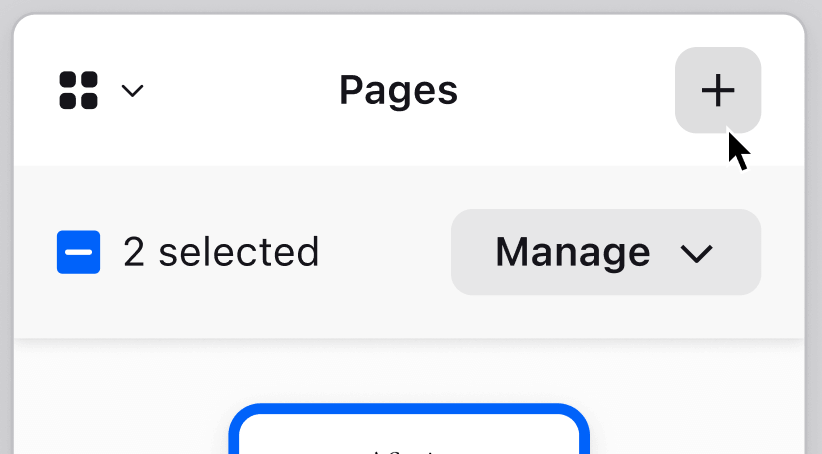
You can now merge multiple PDFs directly in the Firefox PDF viewer.
-
The Translations page (about:translations) is now accessible through the More Tools section of the Application Menu.
-
Local Firefox profile backups are now available on Linux in addition to Windows, and you can restore them across platforms.
-
On macOS, URLs copied from iOS devices using Apple’s Universal Clipboard now paste correctly in Firefox.
-
On macOS, dropdown menus on web pages now use the native macOS menu style, matching the look and behavior of the rest of the system.
-
Address Autofill is enabled for users in the Netherlands.
Fixed
-
Fixed incorrect screen resolution reporting to websites in multi-monitor setups.
-
Fixed an issue on macOS where maximized Firefox windows could reopen on the wrong monitor after relaunching in multi-monitor setups.
-
Improved color management for copied and pasted images on macOS.
-
Various security fixes.
Changed
-
The search bar in Firefox Settings (about:preferences) is now larger and spans the full width of the settings content area, making it easier to find options.
-
Extensions and Themes installed in a Firefox Desktop profile directory will be restored successfully after the profile directory is moved or restored to a different location or a different operating system.
-
Geolocation on Windows now respects the user's Windows location permission setting, instead of overriding it, when the user grants location permission to a page. Firefox will ask users to enable the Windows permission if it is needed.
-----------------------
Available via the internal updater: Help / About Firefox

